 한국어
한국어 日本語
日本語 中文
中文MRO System
Our own integrated procurement outsourcing system, handling quotation and ordering, approval, goods receipt and settlement in one place.
One-Stop
The whole purchasing process in one place
Client companies order from a catalog, control purchasing with an approval workflow and with budgets and requisition forms, and handle goods receipt inspection and settlement records inside the system. Suppliers take orders, deliver and settle through a portal of their own.
- Quotation
- Ordering
- Approval
- Goods receipt
- Settlement
All in the MRO System
Features
Key features by portal
Client (purchasing) portal
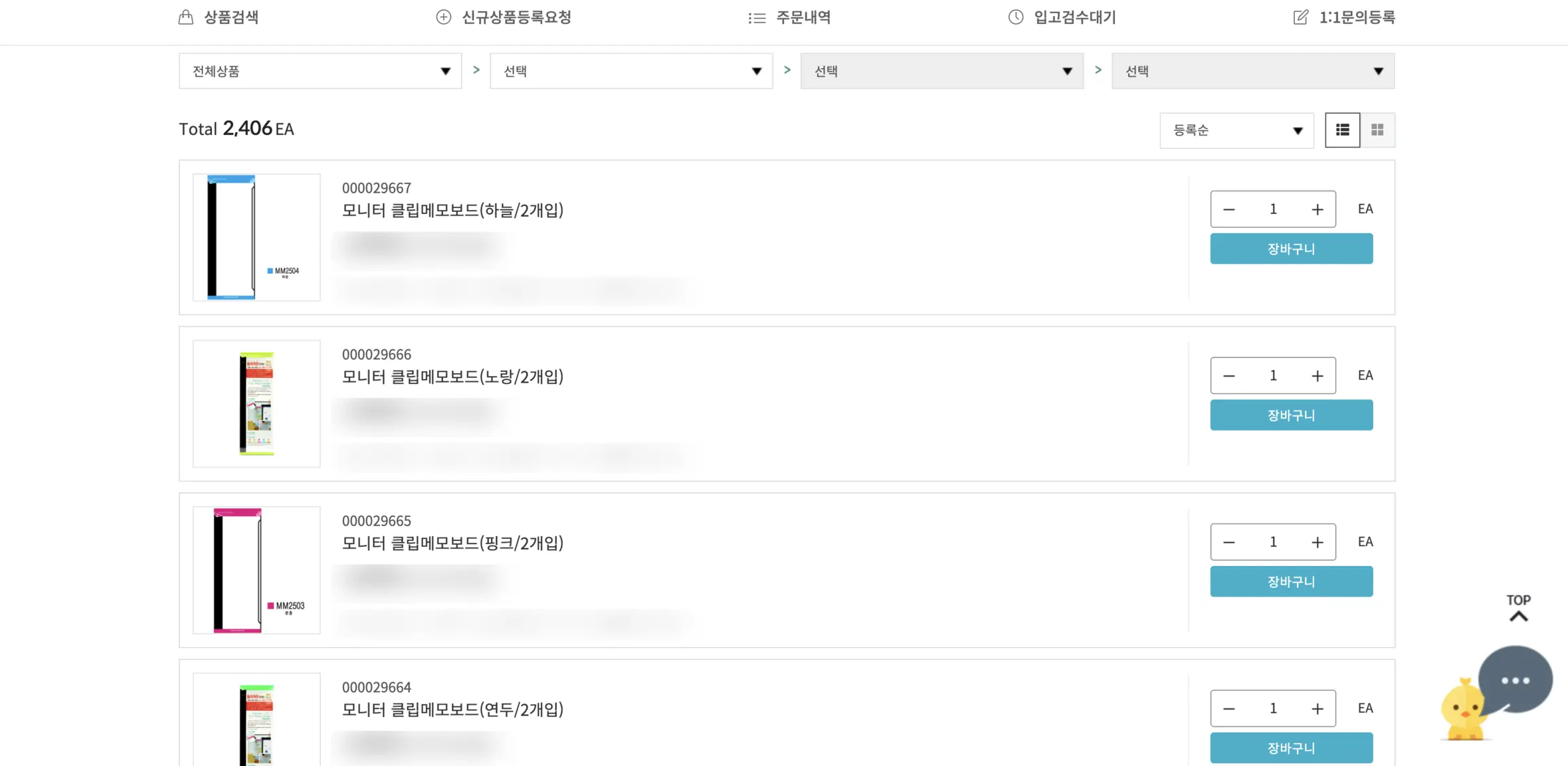
Catalog purchasing
Product lists by category · cart · order creation
Purchase approval workflow
Orders pending or rejected · approval request groups
Orders and deliveries
Order history · goods receipt · return and exchange requests and records
Settlement records
Transaction statements
Bid purchasing
Tender management · bid management
Product requests
Requests to register new products (single or bulk)
Supplier (partner) portal
Supplying products
Product registration · product management · new product requests
Orders and delivery
Order processing · goods receipt · returns and exchanges
Operations
Inventory management · contract management · transaction statements
Taking part in tenders
Tender management · bid management
Partner registration
Accept the terms → fill in your details → application complete
Operations back office — Orders, inventory, tenders (and their analysis), budgets, requisitions, tax invoices, settlement, sales, contracts, products and categories, client and partner management — every part of operations runs on our own back office.
Data
Linked to item data standardization
On a 4-level classification of major, mid, sub and detail class, item data is managed through automatic category sorting, automatic duplicate-code filtering and a second check by staff.
Screens
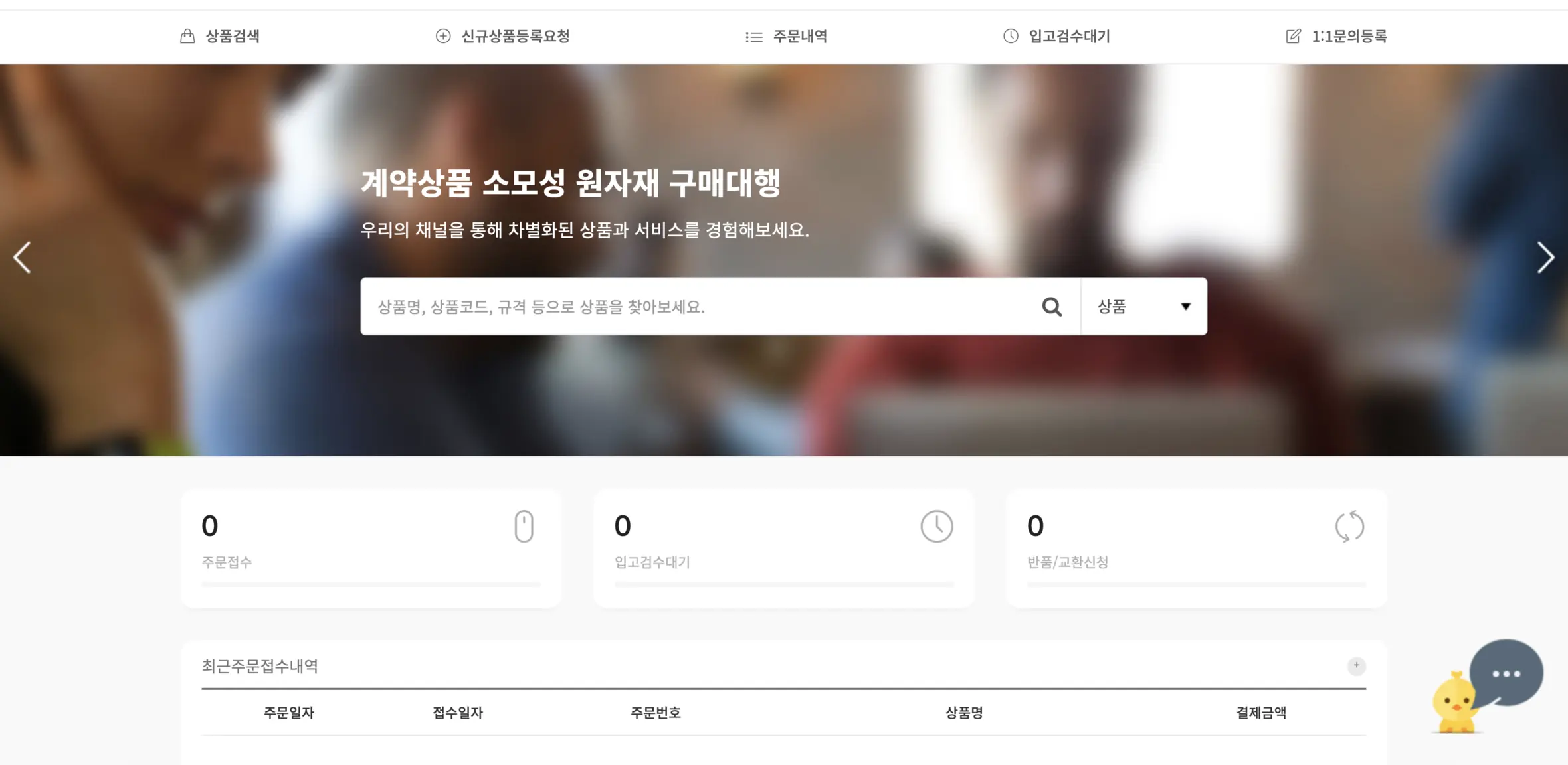
The client portal as it looks
This is what you see when you sign in with a client account. Checking purchasing status, searching and ordering contracted products, and looking up order history and transaction statements all happen in one portal.
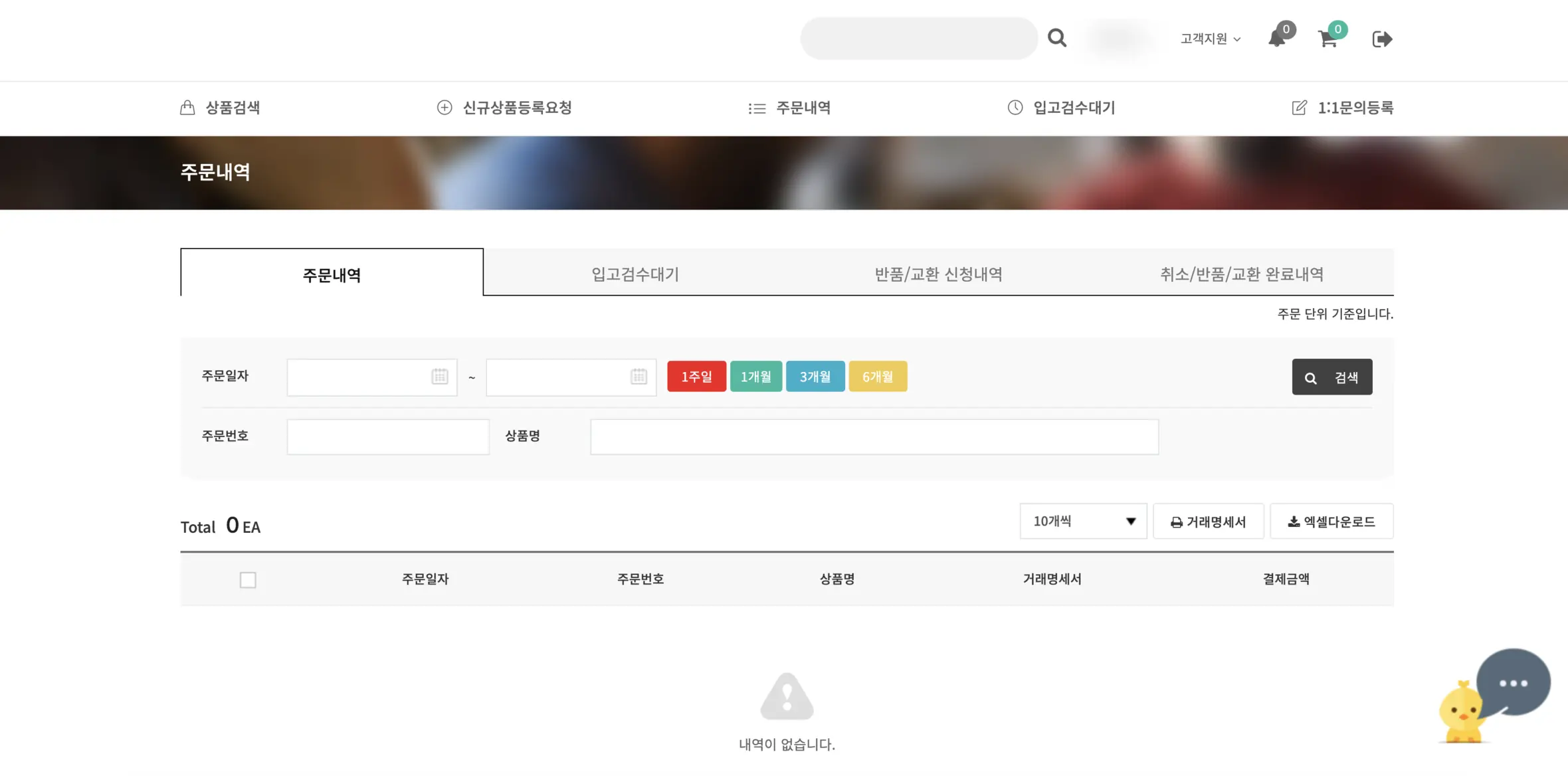
Login
Go to the system
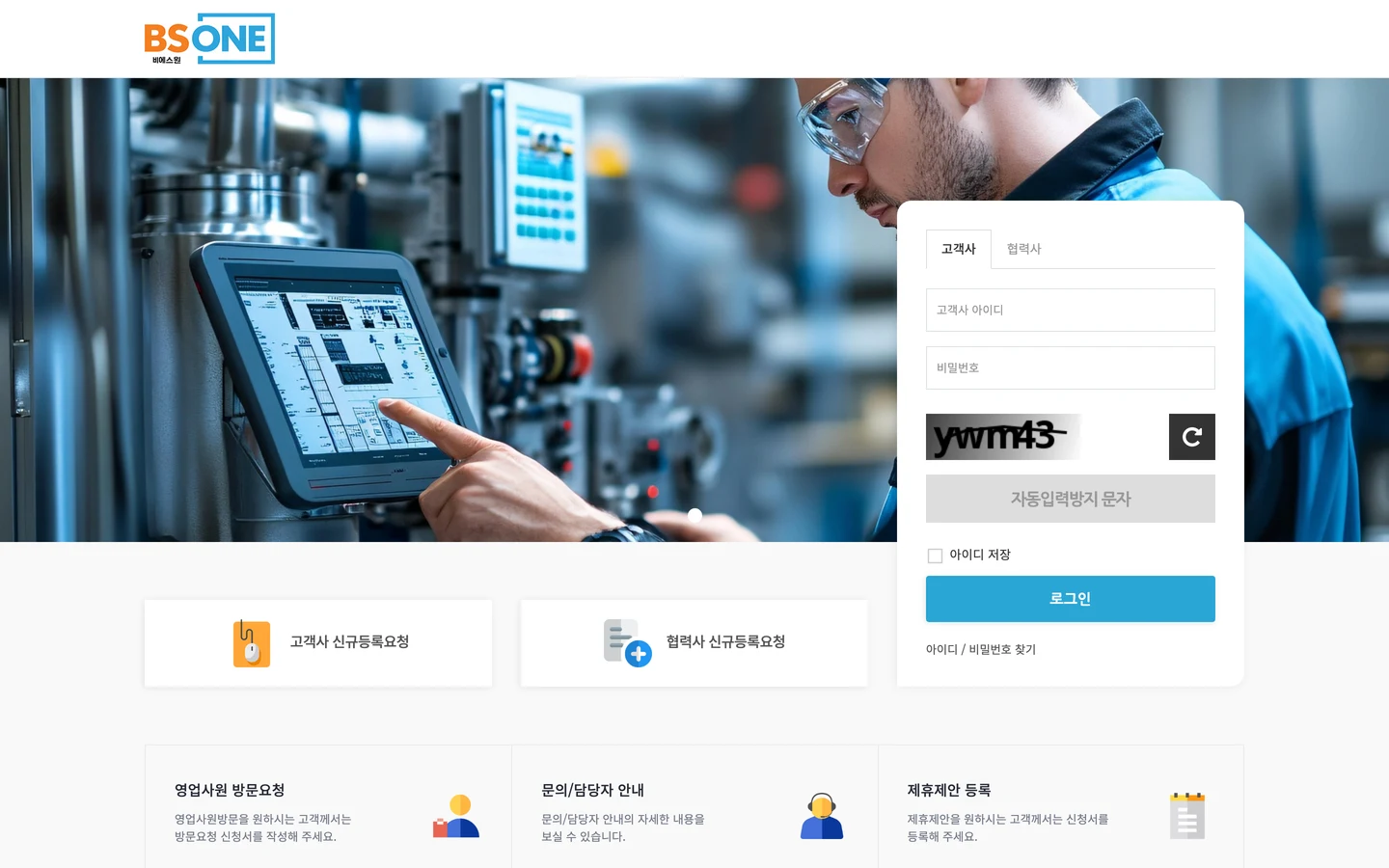
Client companies and suppliers sign in with their own accounts.
New client companies without an account can apply to register directly in the system.
Register as a client (new window)A smart choice for your business: MRO procurement outsourcing
We can help with whatever you need to evaluate adopting the service. Weekdays 08:30–18:00.